To invite your members to join a Progress Pod, you need to send them the Participant invite link.
To do this, click the Pod membership card of the membership that contains the Progress Pods you want to invite your members to join.
Next, click on the Invite links link.

This will open the Invite links screen.
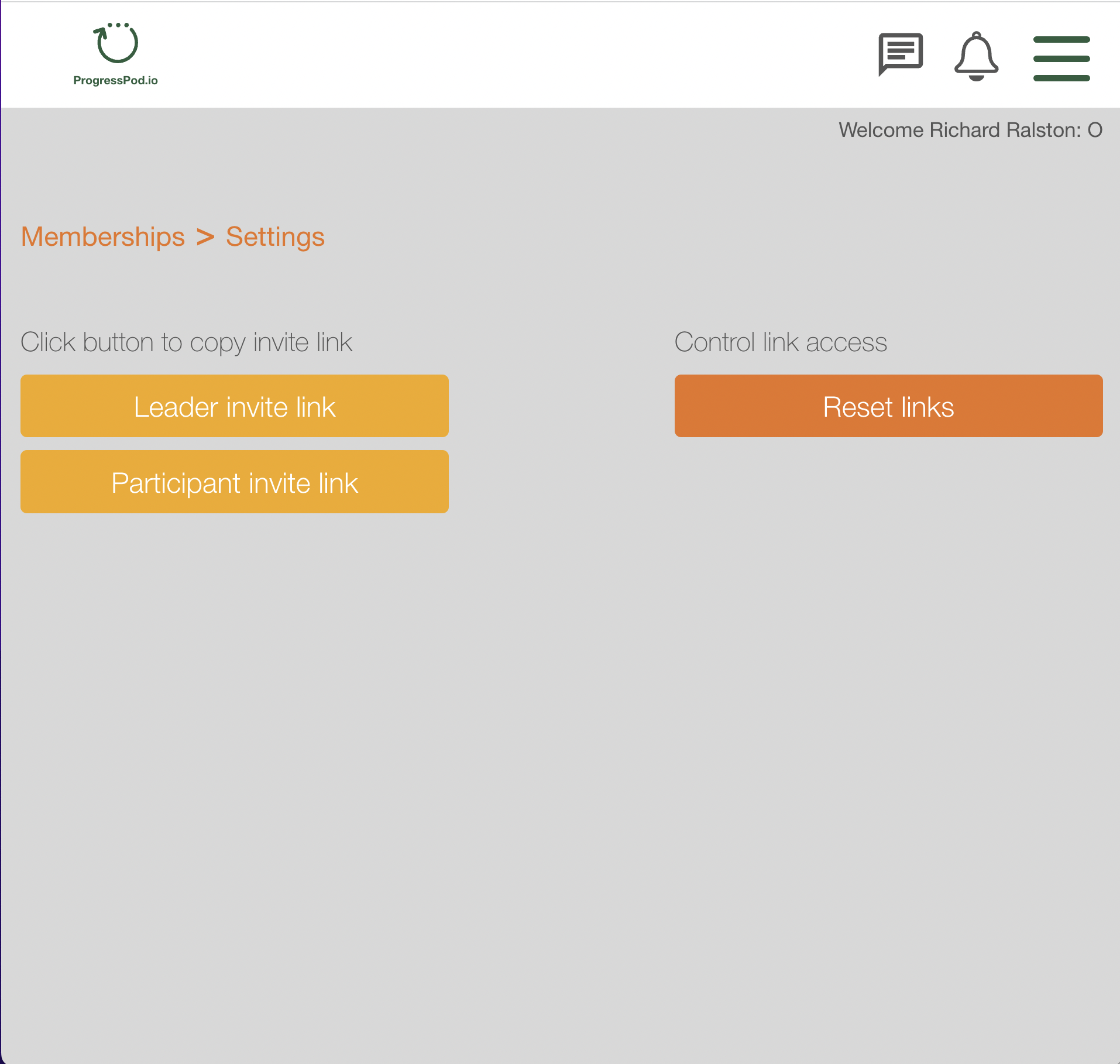
Click the gold 'Participant invite link' button. This will copy the link to the Clipboard.
You can check that the link is correct by pasting it into your browser URL bar.
Send this link to your members either by emailing them or posting it in your community forum (private Facebook Group, etc).
NOTE: It is good practice to reset your links regularly.
To reset your links, click the orange 'Reset links' button.
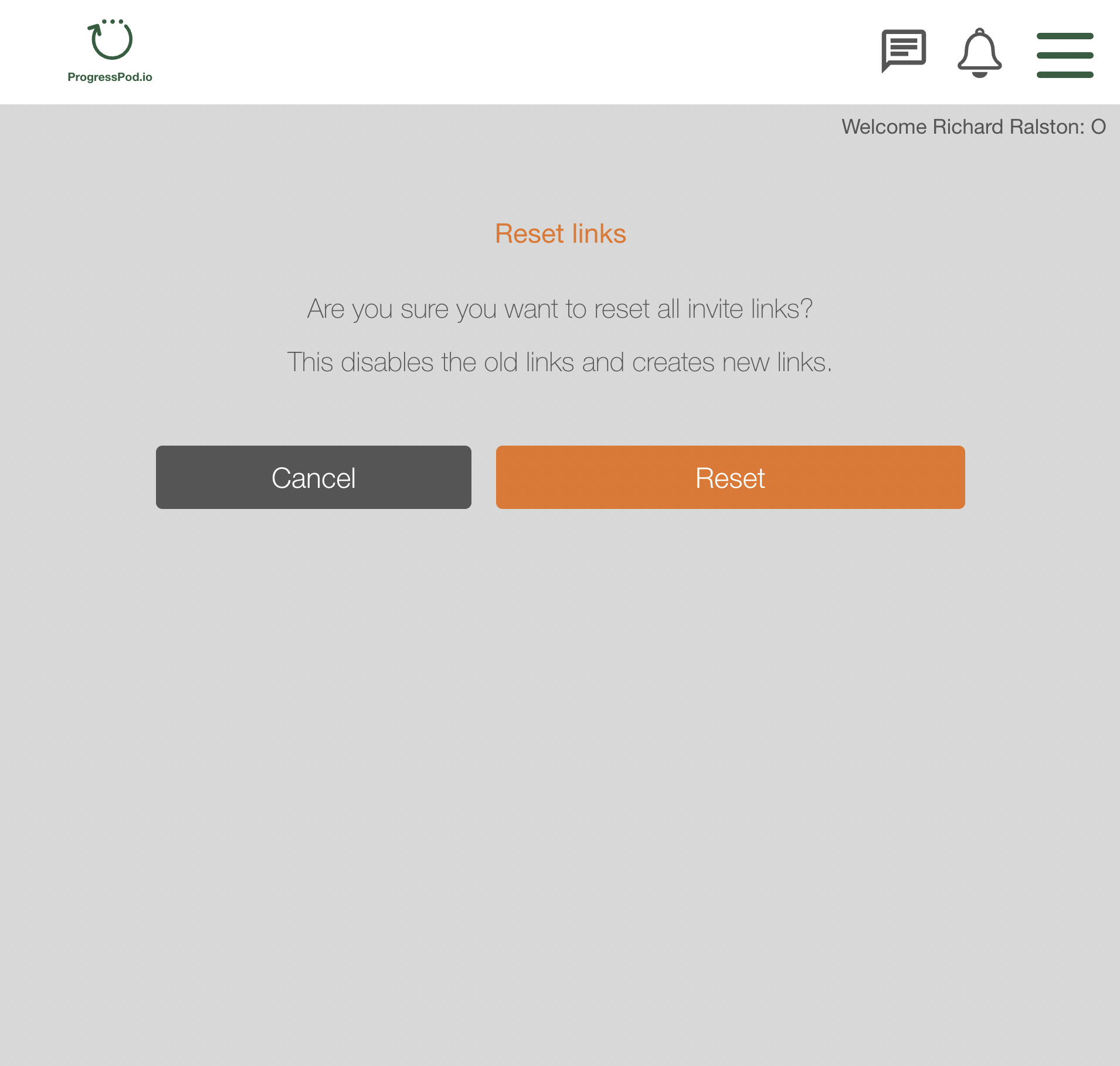
You will be prompted to confirm that you want to reset all the links. Remember that when you reset the links, all previous links you have posted anywhere will become obsolete and will need to be updated with the new link.