The article covers how to find and send out the Leader and the Participant Invite (signup) links.
IMPORTANT: Only use the Leader invite link for the person you are asking to become a Leader if they are not already a participant.
Note: Please read the following article if you want to know...
>> How to Invite an Existing Pod Participant to Become a Pod Leader.
How to invite a member who is not an existing Pod Participant to become a Pod Leader.
Click the Membership card of the membership you want to get the Leader Sign up link for.
Next, click on the Invite links link.

This will open the Invite links screen.
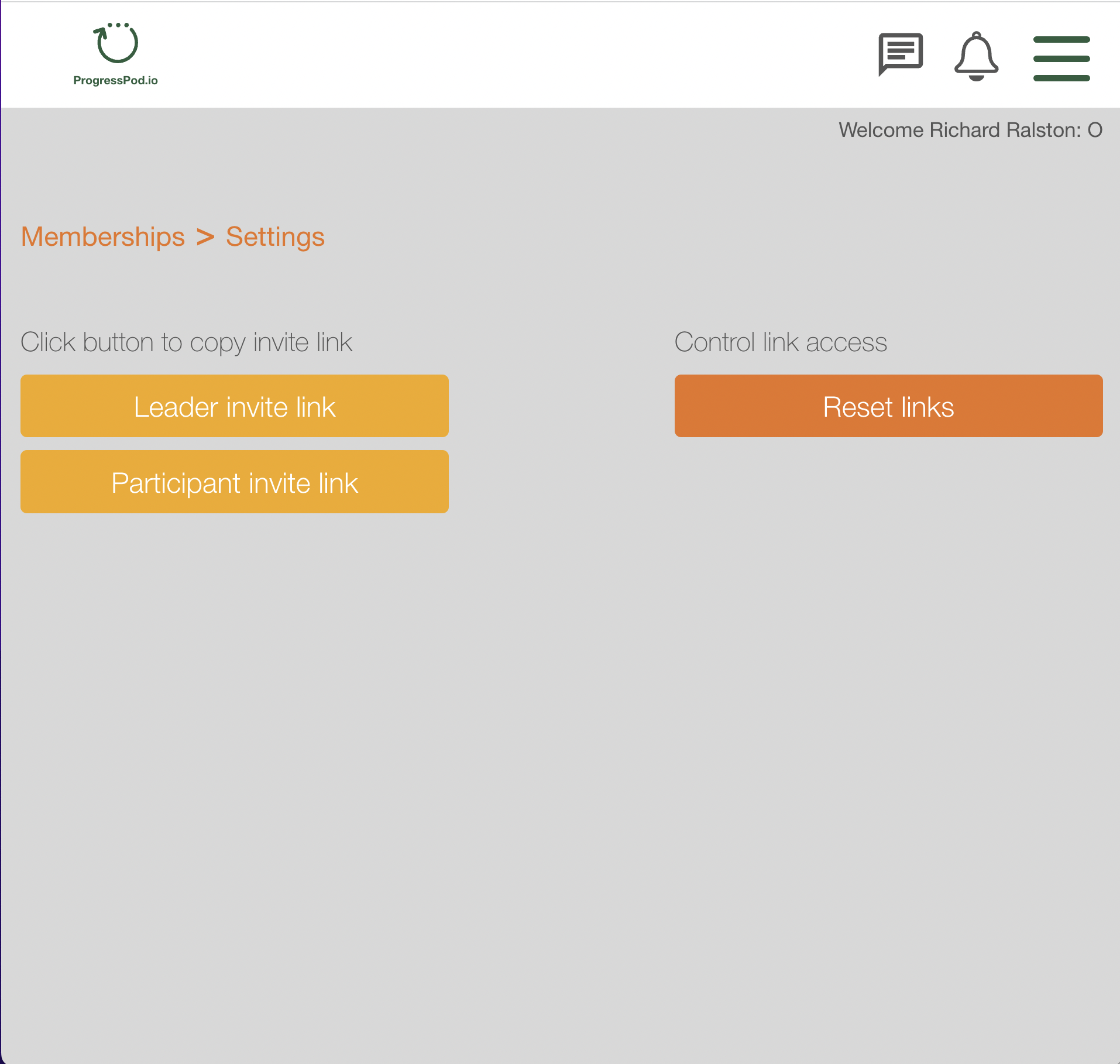
The rest of this article will give an example of how to select the Leader invite (signup) link. The Participant invite (signup) link works in the same way.
Click the gold 'Leader invite link' button. This will copy the link to the Clipboard. You can now send this link to your potential Pod Leaders.
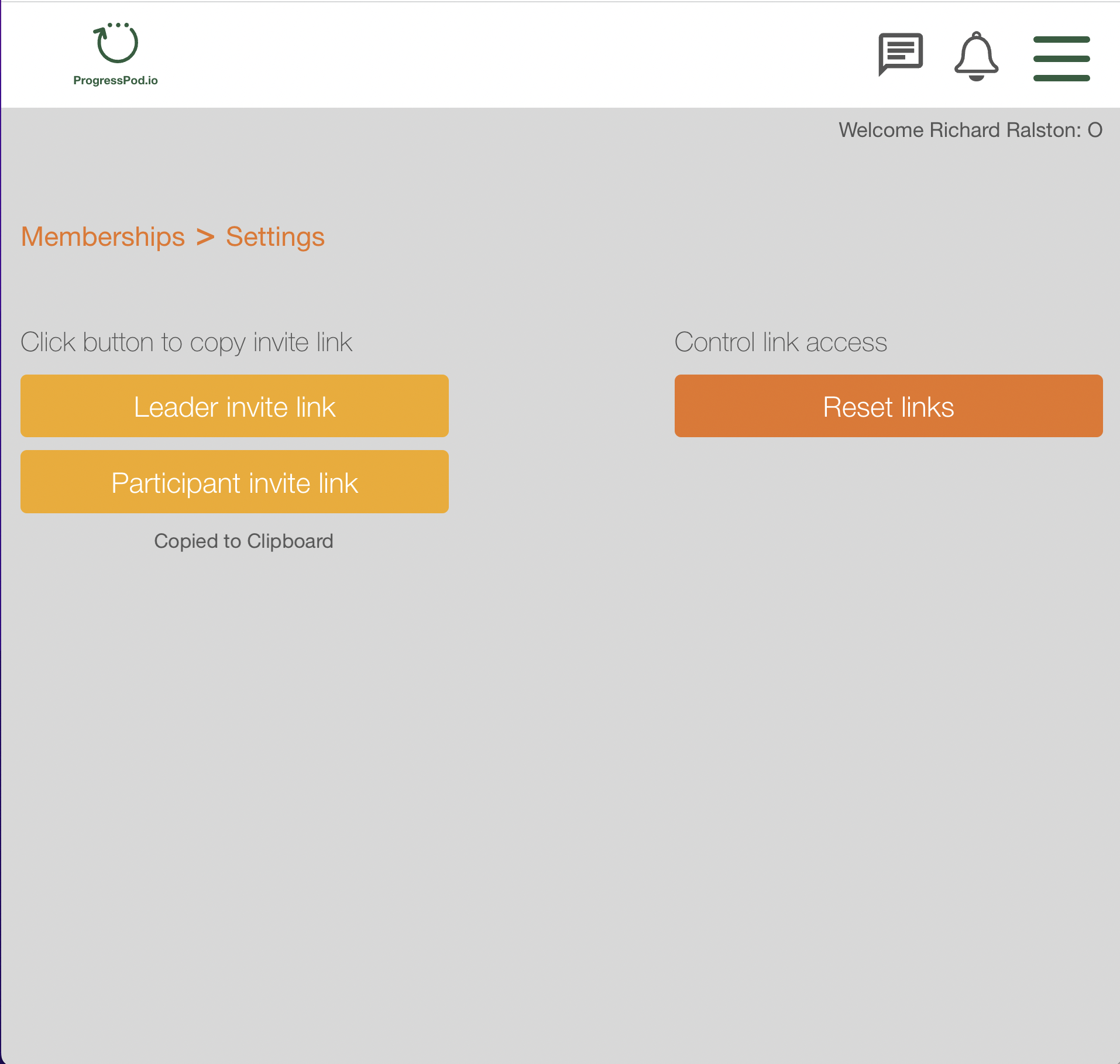
You can check that the link is correct by pasting it into your browser URL bar.
It is good practice to reset your links regularly.
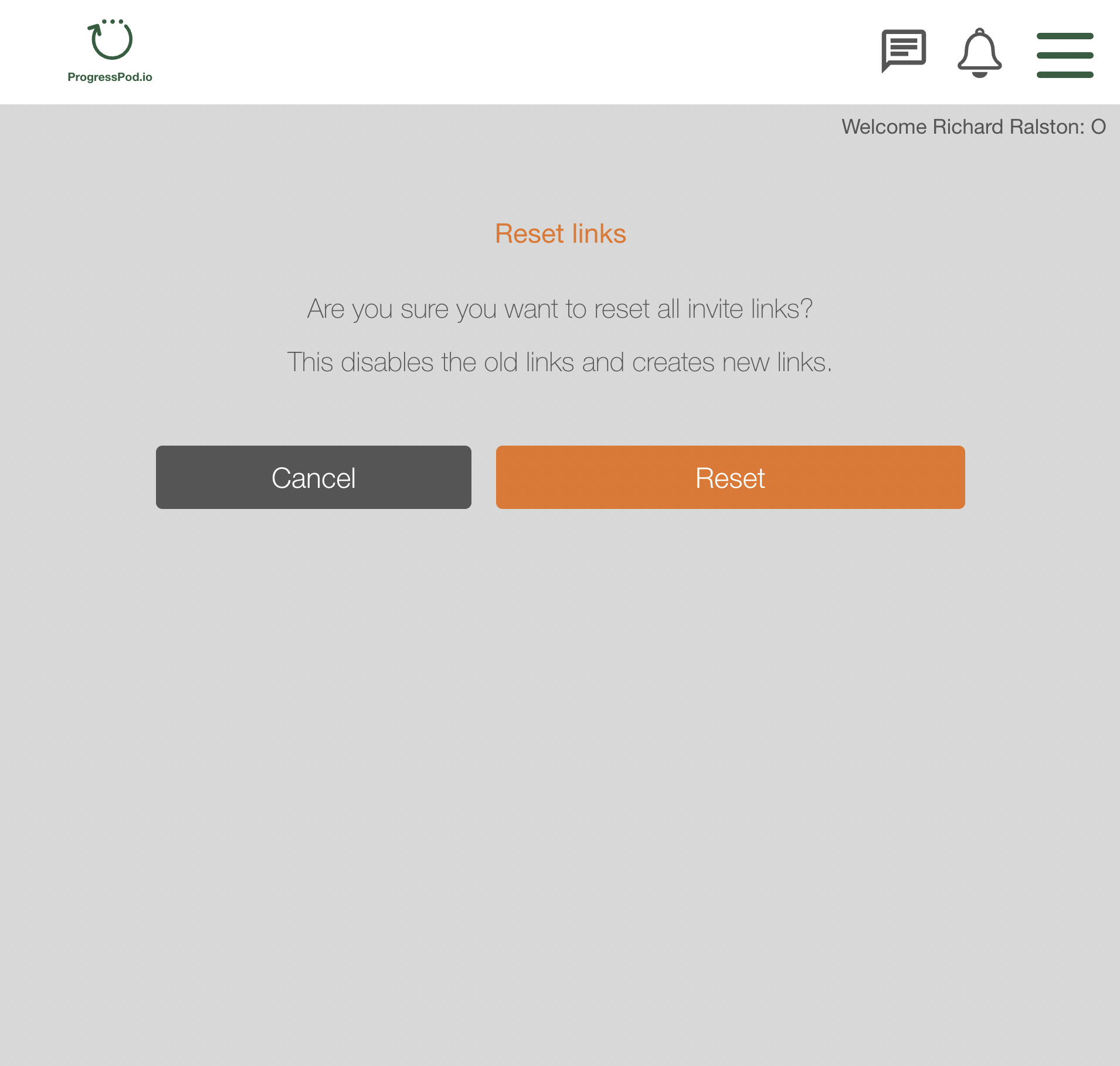
To reset your links, click the orange 'Reset links' button.
You will be prompted to confirm that you want to reset all the links.